
BestOnly Audio
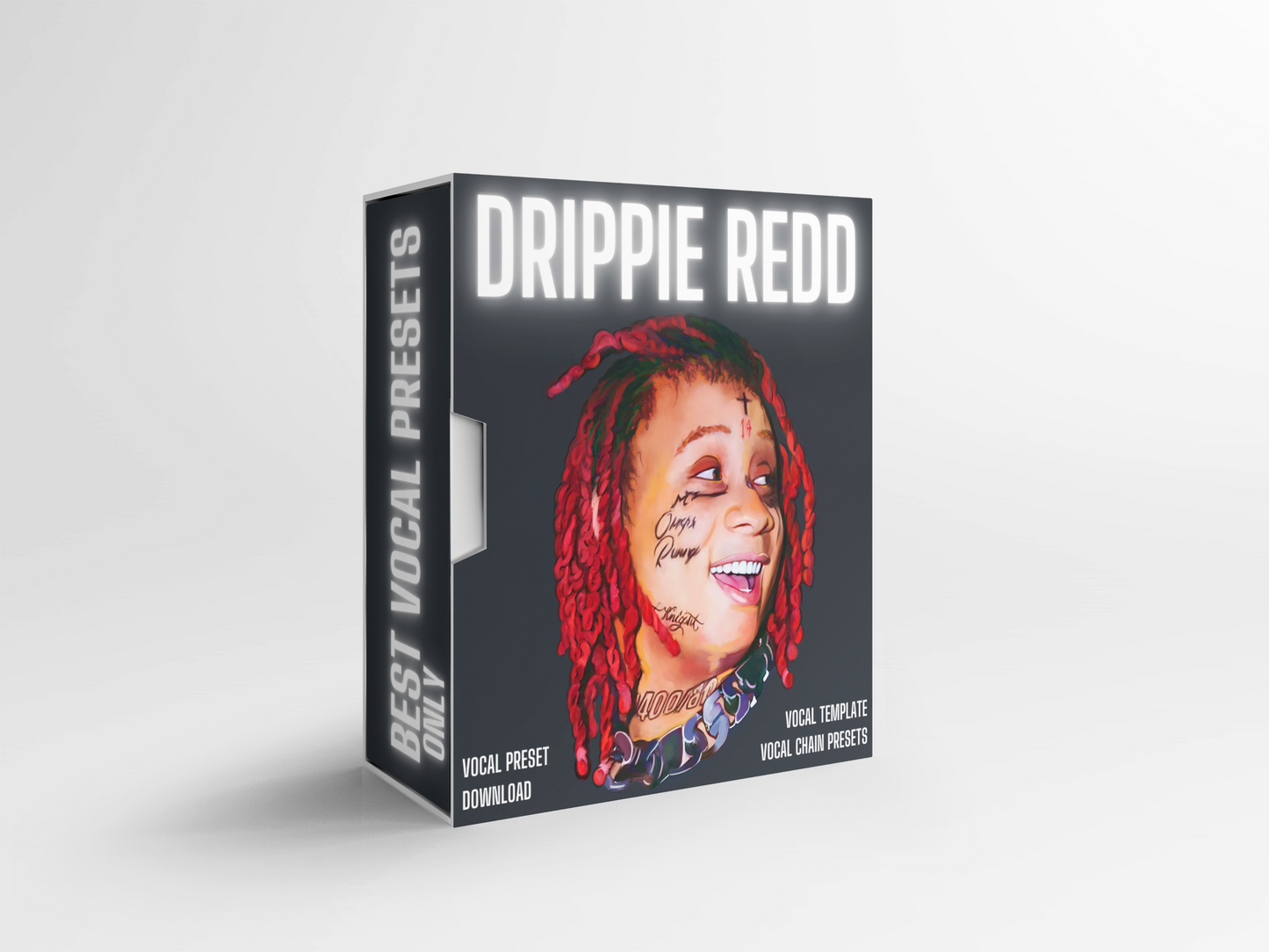
Trippie Redd Vocal Preset "Drippie Redd"
Trippie Redd Vocal Preset "Drippie Redd"
Couldn't load pickup availability
👇 BEFORE VOCAL PRESET
👇 AFTER VOCAL PRESET 🔥
The Trippie Redd Vocal Sound
Trippie Redd's vocals blend melodic emo energy with raw intensity, switching between soft, melodic singing and aggressive, distorted delivery. That range is what makes his sound so distinct. The vocal chain leans on expressive autotune, warm saturation, and reverb that adds emotion without losing edge. It handles both the pretty melodies and the harder, grittier moments. Our Trippie Redd vocal preset is built around these same principles so you can get that versatile, emotional sound without spending hours dialing in your chain.
Get the Trippie Redd Sound in One Click
Imagine having a major artist's mixing engineer built right into your DAW. With one click, your vocals get mixed in the style of Trippie Redd: melodic, emotional, and ready to switch between soft and aggressive. Once the preset is loaded it's always there, so you can stop chasing the perfect mix or paying hundreds to send out your stems. Go create the music you love, and let the preset handle the sound. Want the full breakdown? Read our guide on how to get the emo rap vocal sound.
What you’ll get with this Preset
✅ One-click Instant Download immediately after purchase
✅ Simple Install Instructions which can also be viewed here
✅ A beautifully crafted Vocal Chain Preset of the sound you desire
✅ Tips on how to achieve a professional sound on a budget
✅ Hands-on support from our team for life
Share
DAW VERSION / PLUGINS NEEDED
DAW VERSION / PLUGINS NEEDED
FOR THE "WAVES" VERSION
- Waves Tune Real Time
- CLA-2A
- F6-RTA
- Sibilance
- H-Reverb
- Abbey Road Saturator
- Aphex Vintage Exciter
- Vitamin
- MannyM Delay
-
FOR PRO TOOLS
You need "Pro Tools Artist" or higher.
FOR ABLETON
You need Ableton 11 Suite or newer.
FOR CUBASE
You need Cubase Pro 12 or newer.
FOR ALL OTHER DAWs
You already have the plugins you need for the preset to work instantly when its in your DAW. You only need the stock plugins that came with your DAW.
FREQUENTLY ASKED QUESTIONS
FREQUENTLY ASKED QUESTIONS
"Do your presets use only stock plugins?"
Yes, only stock plugins. You can rest assured you have all the plugins. We will sometimes add in a 3rd party autotune if there is no autotune in a DAW or the autotune is not good. Some DAWs like some versions of FL Studio may not have a stock autotune plugin, in which case you can substitute in any autotune plugin you like.
"How will I receive my purchased presets?"
If you are on a desktop computer, you'll have download button/s immediately after purchasing. Presets are also sent to your email within minutes of your purchase and you'll have download buttons there too.
"How Do I Install The Presets?"
We include simple instructions in your download with each order. It takes less than 3 minutes to install. You can also view the instructional guide on how to install the presets on our page here.
DEVICE SPECIFICATIONS
DEVICE SPECIFICATIONS
- You can use our presets with Windows computers or Macs. (Unless you are buying a BandLab Preset, you cannot use them on a tablet or mobile device) NOTE: Our BandLab Presets can be used on mobile devices and tablets.
- If you need any assistance at all you can always contact us!
BUY 2 GET 1 FREE. BUY 4 GET 2 FREE.
Valid on all Artist Vocal Presets. The discount will be applied when you have 3 or more presets in your cart.
(Limited time only)
Watch Our Vocal Presets in Action!

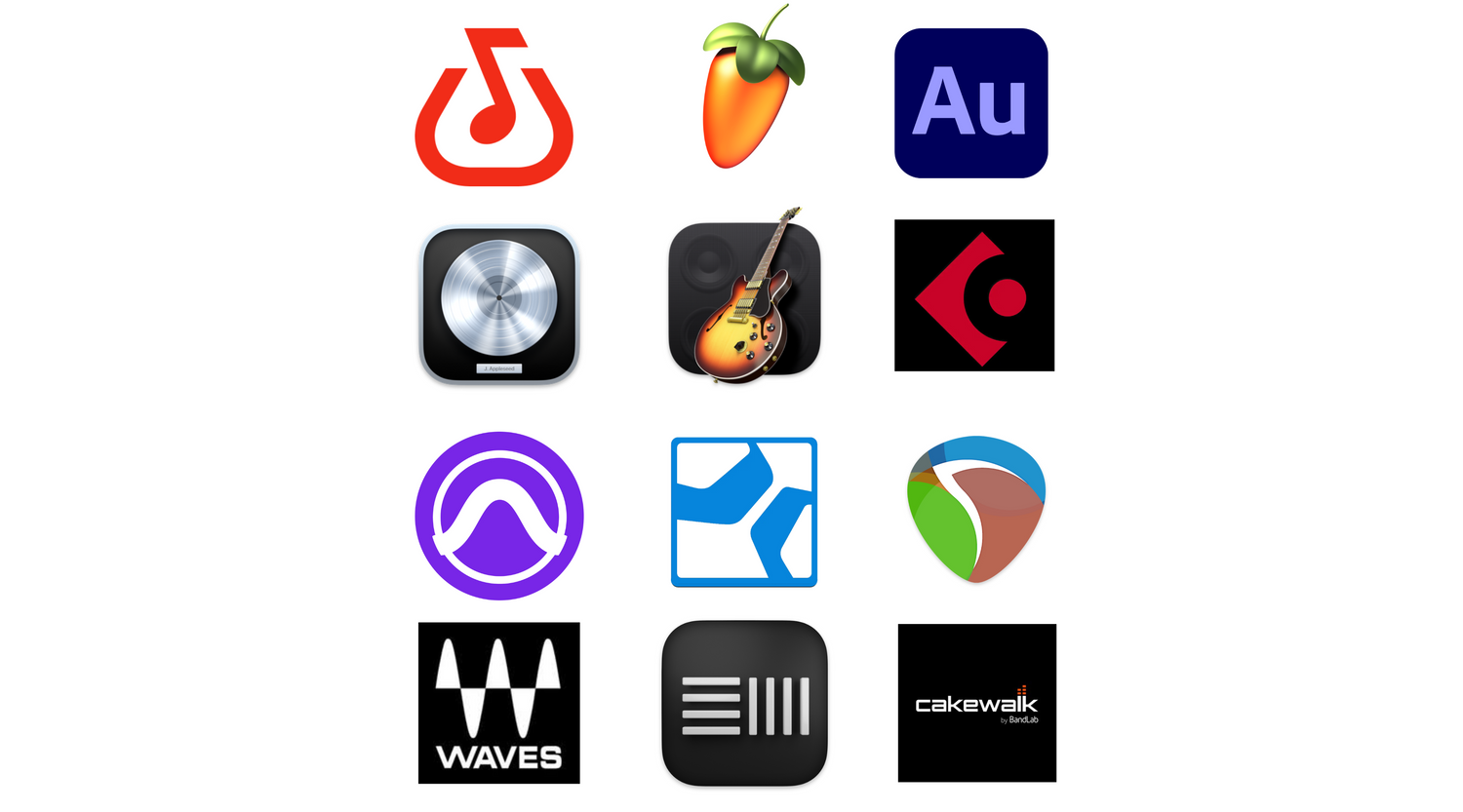
Vocal Presets for every DAW.
We are passionate about music and we want to make sure we can share that with everyone. This is why we have Vocal Presets available in BandLab, FL Studio, Logic Pro, GarageBand, Ableton, Pro Tools, Studio One, Waves, Reaper, Cakewalk, Cubase & Adobe Audition.